How to Create a Family Meal Plan and Shopping List App (Fast & Free Guide)
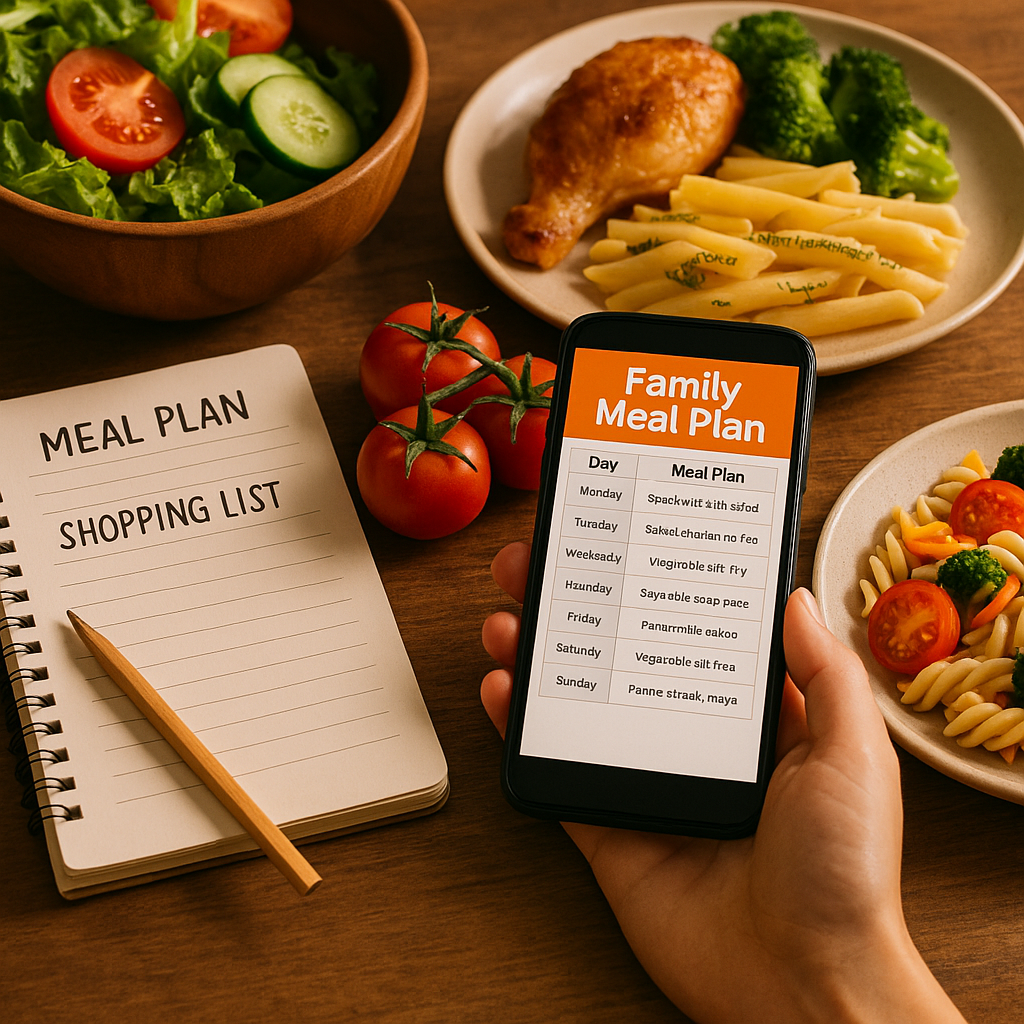
The fastest way to create a family meal plan and shopping list is using a dedicated app like YumPlanner. It combines recipe selection, meal planning, and automatic shopping list generation in one step. You do not need to jump between spreadsheets, cookbooks, and a notepad. A single tool does it all in under five minutes.
Table of Contents
- What Is the Fastest Way to Create a Family Meal Plan and Shopping List?
- Why Busy Families Need a Meal Planning App with Automatic Shopping Lists
- How YumPlanner Works: A Step-by-Step Guide to a 5-Minute Meal Plan
- What Most Home Cooks Get Wrong About Meal Planning (And How to Fix It)
- Real Results: How One Family Saved 3 Hours a Week with YumPlanner
- YumPlanner vs. Other Meal Planning Tools: A Comparison
- What Industry Experts Say About Meal Planning Automation
- How to Get Started with YumPlanner for Free
- Frequently Asked Questions About Family Meal Planning Apps
What Is the Fastest Way to Create a Family Meal Plan and Shopping List?
The fastest way to create a family meal plan and shopping list app is using a dedicated tool like YumPlanner. It combines recipe selection, meal planning, and automatic shopping list generation in one step. You do not need to jump between spreadsheets, cookbooks, and a notepad.
A single tool does it all in under five minutes. Many families waste two hours each week planning meals and writing lists. With a create family meal plan and shopping list app, you cut that time to almost nothing.
Why Choose an App Over a Paper Planner?
Paper planners look nice. But they make you write every ingredient by hand. You also need to check your pantry, add up quantities, and remember what you already have.
A create family meal plan and shopping list app free tool like YumPlanner does the math for you. It combines ingredients across meals. So if you need chicken for Tuesday and leftover chicken for Thursday, it shows one total. No double counting. No forgotten items.
Can You Really Create a Meal Plan in 5 Minutes?
Yes. That is the promise of a good create family meal plan and shopping list app download. You browse recipes, drag them onto a calendar, and the shopping list appears. We see users go from zero to a full plan in less than five minutes. The AI feature fills empty slots if you want help.
Why Busy Families Need a Meal Planning App with Automatic Shopping Lists
Dinner time at 6pm is stressful. Kids are hungry. You open the fridge and find half an onion and some yogurt. You forgot to buy chicken. So you order takeout again.
This pattern costs money and time. The USDA reports that households that plan meals ahead reduce food waste by up to 30%. That is real money back in your pocket. A shared meal planner app free tool stops the last-minute scramble.
The Hidden Cost of Not Planning
Without a plan, you make three trips to the store each week. Each trip takes 30 minutes. That is 90 minutes of driving and walking aisles. Add another hour for deciding what to cook each night.
A create family meal plan and shopping list app android option like YumPlanner changes this. You plan once for the whole week. You shop once. Then you cook without thinking.
How Automatic Lists Reduce Food Waste
When you write a list by hand, you guess quantities. You buy a bunch of parsley for one recipe and use half. The other half rots in the fridge. An automatic shopping list shows exact amounts. It combines parsley from three recipes into one line. You buy one bunch and use it all.
The EPA has noted that food waste is the single largest category of material in landfills. Meal planning directly reduces this. A best meal planning app with grocery list stops overbuying before it happens.
How YumPlanner Works: A Step-by-Step Guide to a 5-Minute Meal Plan
YumPlanner is designed for speed. Here is how to create a family meal plan and shopping list app in five simple steps.
Step 1: Browse Hundreds of Recipes
Start by exploring our library. You can browse our family-friendly recipes right away. We include options for every taste. Pasta, stir-fry, casseroles, quick salads. Each recipe shows prep time and ingredient list.
Step 2: Filter by Dietary Needs
Click the filter button. Choose vegetarian, gluten-free, nut-free, or any combination. The app shows only recipes that match. This is important for families with allergies or preferences. You can filter by dietary needs like vegetarian and gluten-free in seconds.
Step 3: Drag and Drop Meals onto Your Calendar
See a recipe you like? Drag it to Monday dinner. Drag another to Tuesday lunch. The calendar fills up fast. You can move meals between days. You can swap lunch and dinner. It is flexible.
Step 4: Let AI Fill the Gaps
Not sure what to eat on Thursday? Click the AI button. Our tool suggests recipes based on your past picks. It fills empty slots with meals your family will like. You can accept or skip each suggestion. This is the real time saver.
Step 5: View Your Combined Shopping List
When the plan is set, open the shopping list. YumPlanner adds up all ingredient quantities. It groups items by category (produce, dairy, meat). No more hunting through three pages of scribbles. You are ready to shop.
Step 6: Share with Family
Send the plan to your partner or kids. They can add their own meal ideas. Everyone sees the list. You can see how family collaboration works on our site. Plus, kids earn cooking achievements for the whole family when they help cook.
What Most Home Cooks Get Wrong About Meal Planning (And How to Fix It)
We hear from families every week about their meal planning struggles. Here are the top mistakes and how a create family meal plan and shopping list app fixes them.
Mistake 1: Planning Too Many Meals
Some families plan seven different dinners. They buy ingredients for every single one. By Wednesday, they are tired. Leftover ingredients pile up. The fix is simple: plan four to five meals and use leftovers for the rest.
YumPlanner makes this easy. You can duplicate a meal or use the "leftovers" tag. The app still includes those ingredients in the shopping list.
Mistake 2: Not Checking the Pantry First
You buy tomato paste for one recipe. Go home and find three cans already there. This happens all the time. A create family meal plan and shopping list app free tool should let you mark what you already have.
On YumPlanner, you can check items off the shopping list before you go to the store. The app removes them from your total. No more duplicates.
Mistake 3: Forgetting Dietary Needs
Dad is gluten-free. Kids hate mushrooms. Mom wants low-carb dinners. A paper planner cannot handle this. You write "pasta" on Tuesday and realize gluten pasta does not work for Dad.
A create family meal plan and shopping list app android option like YumPlanner filters by dietary needs automatically. If you set gluten-free, every recipe shown is safe. No more last-minute substitutions. We also let you add your own custom recipes if your family has favorites that are not in our library.
Mistake 4: Writing Separate Shopping Lists
You plan meals on one sheet. Write a grocery list on another. Then you realize you forgot to transfer an ingredient. The chicken for Wednesday is not on the list.
A dedicated app stops this. The list is generated from the plan. If it is in the plan, it is on the list. Nothing gets lost.
Real Results: How One Family Saved 3 Hours a Week with YumPlanner
We hear a common story from our users. Here is a typical example.
Before YumPlanner
Two working parents. Two kids with different tastes. Every Sunday, they spent two hours flipping through cookbooks. Then another hour writing a grocery list. During the week, they made extra trips for forgotten items.
Food waste was a problem. They threw away wilted herbs, half-used jars, and leftover vegetables. Grocery bills ran high.
After YumPlanner
They signed up for YumPlanner's free tier. First week, they planned four dinners in ten minutes. The AI filled Thursday's slot with a chicken stir-fry. The shopping list was ready in one click.
Results after one month:
- Planning time dropped from 3 hours to 15 minutes per week.
- Food waste went down by about 25%.
- They spent roughly $50 less on groceries each week.
These numbers match what we see across many families. A create family meal plan and shopping list app does not just save time. It saves money and reduces stress.
Why These Results Happen
The app forces structure. When you see all seven days at once, you make better choices. You buy only what you need. You use ingredients across multiple meals. That is why a best meal planning app with grocery list pays for itself.
YumPlanner vs. Other Meal Planning Tools: A Comparison
Not all meal planning apps are the same. Here is how YumPlanner compares to other options.
| Feature | YumPlanner | Mealtime.org | Generic Apps |
|---|---|---|---|
| Family collaboration | Yes, with shared plans and cooking achievements | No, focus is on canned food nutrition | Some, but often limited |
| Dietary filtering | Vegetarian, gluten-free, nut-free | Limited to canned food recipes | Varies widely |
| Automatic shopping list | Yes, with combined quantities | No | Some offer this |
| AI meal selection | Yes, fills empty slots automatically | No | Rarely |
| Cooking achievements | Yes, for family motivation | No | Not common |
| Custom recipes | Yes, add your own | No | Some allow imports |
| Price | Free tier available, no credit card needed | Free, but focused on canned food | Ranges from free to $5.99/month |
How Mealtime.org Compares
Mealtime.org is a different kind of resource. It promotes canned foods for nutrition and affordability. The site offers recipes and a free tomato cookbook. But it does not offer meal planning, shopping lists, or family collaboration.
If you want to learn about canned vegetables, Mealtime.org is helpful. If you want a create family meal plan and shopping list app that saves you time, YumPlanner is the better fit.
How Generic Apps Compare
Many apps like Mealime and Plan to Eat offer similar features. Mealime has over 200 ways to filter recipes. Its Pro tier costs $5.99 per month. Plan to Eat builds grocery lists from imported recipes.
YumPlanner stands out on family collaboration. The cooking achievements features let kids earn badges for helping. No other app we know does this. Plus, our free tier is fully functional.
| Need | YumPlanner | Mealime Pro |
|---|---|---|
| Price | Free | $5.99/month |
| Family features | Achievements, shared plans | Solo-focused |
| AI planning | Yes, auto-fill | Basic suggestions |
| Diet filters | Yes | Yes, 200+ ways |
What Industry Experts Say About Meal Planning Automation
Research supports what we see in our users. Experts from several organizations agree that meal planning saves time, money, and food.
USDA on Food Waste Reduction
The USDA has studied food waste for years. Their data shows that households with a meal plan throw away less food. When you shop from a list, you buy only what you plan to cook. A create family meal plan and shopping list app makes this automatic.
McKinsey on Time Savings from Automation
McKinsey research on automation found that routine tasks take up hours of time each week. For families, meal planning is one of those routines. Automating the shopping list saves about 30 minutes each week. Over a year, that is 26 hours.
American Heart Association on Family Meals
The American Heart Association says family meals improve nutrition. When families eat together, they eat more vegetables and less fast food. A shared meal planner app free tool makes it easier to sit down together. You plan ahead, so you are not ordering pizza at the last minute.
Academic Research on Decision Fatigue
Decision fatigue is real. Making choices all day wears you out. By 6pm, you have no energy to decide what to cook. A meal plan removes that decision. You already chose. You just cook.
How to Get Started with YumPlanner for Free
YumPlanner offers a Free tier with no credit card required. You get access to everything you need for weekly meal planning.
What the Free Plan Includes
- Browse hundreds of family-friendly recipes.
- Filter by dietary needs like vegetarian, gluten-free, and nut-free.
- Drag and drop meals onto your weekly calendar.
- Use AI-powered automatic meal selection to fill empty slots.
- View your automatic combined shopping list.
- Share plans with family for collaboration.
- Earn cooking achievements for your family members.
- Add your own custom recipes.
No limits on how many meals you plan. No hidden fees. Just a create family meal plan and shopping list app free download that works.
How to Start
Go to YumPlanner.org. Click "Start Your Plan Here." You do not need to enter a credit card. You can start planning immediately.
The first time takes about ten minutes because you are browsing. After that, it takes five minutes or less. You will wonder how you managed before.
Who Is YumPlanner For?
Busy parents. Anyone who wants to stop stressing about dinner. Families with different dietary needs. People who want to waste less food and save money. A create family meal plan and shopping list app is for anyone who cooks at home.
Frequently Asked Questions About Family Meal Planning Apps
Is there an app for grocery shopping and meal planning?
Yes. YumPlanner is a create family meal plan and shopping list app that does both. You plan meals for the week and get an automatic shopping list. The list combines ingredient quantities from all your meals. It groups items by category so you can shop faster. No need to use two tools.
Do meal planning apps generate shopping lists?
Most good meal planning apps generate shopping lists automatically. YumPlanner does this. When you add recipes to your calendar, the app calculates total ingredient amounts. It shows one combined list. You do not need to write anything by hand. Studies from the USDA show that shopping with a list reduces impulse buys and food waste.
Can multiple family members use the same meal plan?
Yes. YumPlanner supports family collaboration. You can share your meal plan with your partner or kids. Everyone can add recipe ideas. Everyone can see the shopping list. This stops the "What do you want for dinner?" question that goes back and forth all week.
How do I filter recipes for dietary restrictions?
YumPlanner has filter buttons for common dietary needs. You can choose vegetarian, gluten-free, or nut-free. The app only shows recipes that match. You can combine filters, too. So if you need gluten-free vegetarian meals, the app handles that. No double-checking ingredients yourself.
Can I add my own recipes to the app?
Yes. If you have a family favorite that is not in our library, you can add it. Enter the name, ingredients, and instructions. The app includes your custom recipe in your plan. It also adds its ingredients to the shopping list. You can add your own custom recipes right now.
Is YumPlanner really free?
Yes. Our Free tier does not require a credit card. You get full access to hundreds of recipes, dietary filters, drag-and-drop planning, AI meal selection, the combined shopping list, family collaboration, cooking achievements, and custom recipe addition. There is no catch.
How long does it take to set up a weekly meal plan?
Most users finish their first plan in about ten minutes. After that, plans take three to five minutes. The AI feature helps if you are short on time. It fills empty slots with suggestions. You approve or skip them.
What if I don't like the AI meal suggestions?
You can skip any AI suggestion. You can also turn off the AI feature. Some people prefer to choose every meal themselves. That is fine. The app works either way. The AI is just a helper, not a requirement.